Manage Outlook Conversations Inside Connect-CRM
Bring Outlook into your CRM. Keep your Microsoft email conversations connected to your contacts and deals, and follow up without switching between inboxes.
14-day free trial on Scale, no credit card required
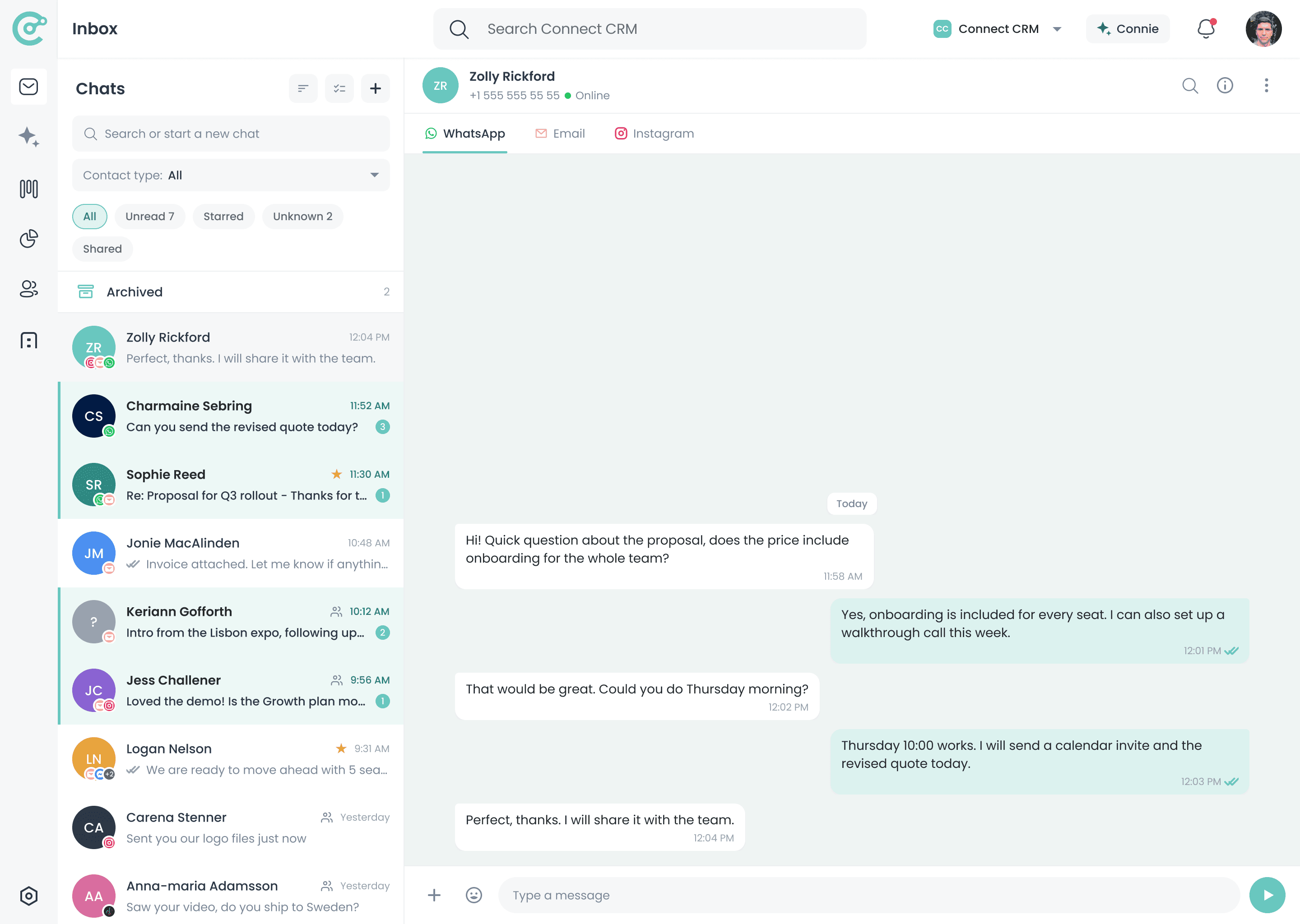
One inbox for every connected channel
Microsoft Email Should Not Sit Outside Your CRM
Plenty of teams run their whole day out of Outlook. But when those threads stay in a separate mailbox, the CRM never sees the deal context, and follow-ups depend on whoever happens to be on the thread.
Without Outlook in Your CRM
- The deal sits in the CRM while the thread sits in a mailbox
- Colleagues forward messages around to share what was agreed
- The detail that moved the deal is buried in someone's folder
- No single place shows the whole account history
With Connect-CRM
- Outlook threads open in the same workspace as the deal
- Each message attaches to the client it belongs to
- The account history is there before you start typing
- Follow-ups are tracked with the rest of your pipeline
Why Connect Outlook to Connect-CRM?
Email in One Workspace
Connected to Contacts
Faster Follow-Ups
Works With Gmail Too
How the Outlook Integration Works
Link your Microsoft account once, then work through client mail from the same place you track the deal.
Connect Outlook
Mail Lands in the Inbox
Open the Account
Answer and Set the Step
Read the Thread With the Deal Beside It
A reply is easier to get right when the account is not a separate lookup. Connect-CRM puts the client record, the open opportunity, and the last few exchanges next to the message you are answering.
- See who you are dealing with without leaving the thread
- Check the opportunity and the stage it has reached
- Leave a note or set the next task on the spot
- Build an account history that outlasts any one rep
Re: Proposal for Q3 rollout
Thanks for the update. Could you send over the revised pricing so I can share it with the team before Friday?
- Cc
- Bcc
- 1 attachment
- Deal value
- Editable in product
- Next task
- Follow up Friday
Outlook Works Better When It Is Connected to Every Channel
A client might send a formal reply in Outlook, chase you on WhatsApp, and confirm on Instagram. Connect-CRM keeps those touchpoints together so you can follow the client relationship, not the platform.
Outlook Is Included in Every Plan
Start with Outlook and your essential communication channels, then unlock more integrations as your workflow grows.
Starter
€39/user/mo
Outlook included
Growth
€69/user/mo
Outlook included
Scale
€129/user/mo
Outlook included
Outlook is available on all plans: Starter, Growth, and Scale.
Explore More Integrations
Connect Outlook with the other channels your clients use every day.
Manage WhatsApp client messages inside Connect-CRM.
Learn moreFacebook Messenger
Keep page enquiries linked to the right contact.
Learn moreTurn Instagram conversations into trackable relationships.
Learn moreClaude
Connect Claude to your CRM so it can read context and act on your data.
Learn moreFrequently Asked Questions
Bring Outlook Into Your Sales Workflow
Start your 14-day free trial of Scale and work through Microsoft email without leaving the account it belongs to.