Monitor Performance Across Reps and Teams
See how conversations and opportunities are moving, in the same workspace where the work happens, so you do not have to rebuild the picture in a spreadsheet.
14-day free trial on Scale, no credit card required
- Conversations
- Live data
- Open deals
- Live data
- Follow-ups due
- Live data
- Alex
- Maria
- Sam
Illustrative layout. Figures come from your own workspace.
Activity and pipeline in one view
You Cannot Manage What You Cannot See
When conversations live across several apps and the pipeline lives somewhere else, building an honest picture of the week means exporting data and stitching it together by hand.
Without Reporting in the CRM
- Activity is spread across separate tools
- The pipeline view and the conversations disagree
- Reviews depend on manually assembled spreadsheets
- Problems surface later than they should
With Connect-CRM
- Conversations and deals are already in one place
- You can see activity across reps and teams
- The picture comes from the same data reps work in
- Reviews start from something everyone recognizes
Why Reporting Belongs in the CRM
One Source of Truth
Across Reps and Teams
Conversations Included
Less Manual Assembly
How Reporting Works
Your team works in Connect-CRM, and the same records become the basis for how you review performance.
Work Happens in the CRM
Records Stay Connected
Review the Picture
Act on What You See
A Picture Built From Real Work
Reporting is only as good as the data underneath it. Because Connect-CRM captures conversations and opportunities in the same workspace, what you review reflects what actually happened rather than what someone remembered to log.
- See activity across reps and teams
- Follow opportunities through your pipeline stages
- Base reviews on records the team already uses
- Spot stalled conversations sooner
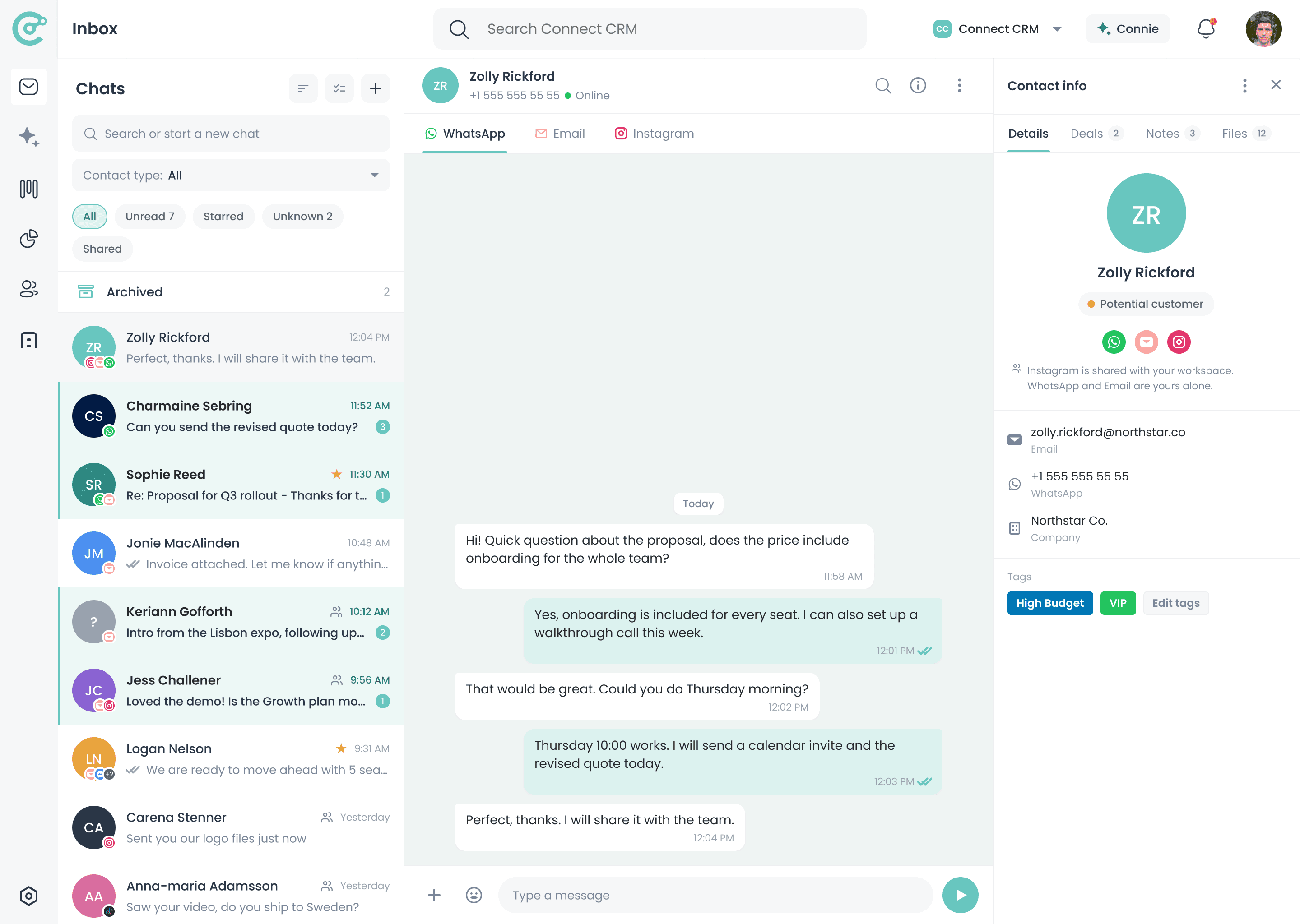
Reporting Is Part of Connect-CRM
Reporting reads the contacts, conversations, and opportunities already in your workspace.
Starter
€39
per user / month, billed annually
Included
Growth
€69
per user / month, billed annually
Included
Scale
€129
per user / month, billed annually
Included
Reporting depth can differ by plan. Check the pricing page or contact sales for what your team needs.
Frequently Asked Questions
See How Your Team Is Really Performing
Start your 14-day free trial of Scale and review conversations and pipeline from one connected workspace.